
Visual Search
Snap, match, done.
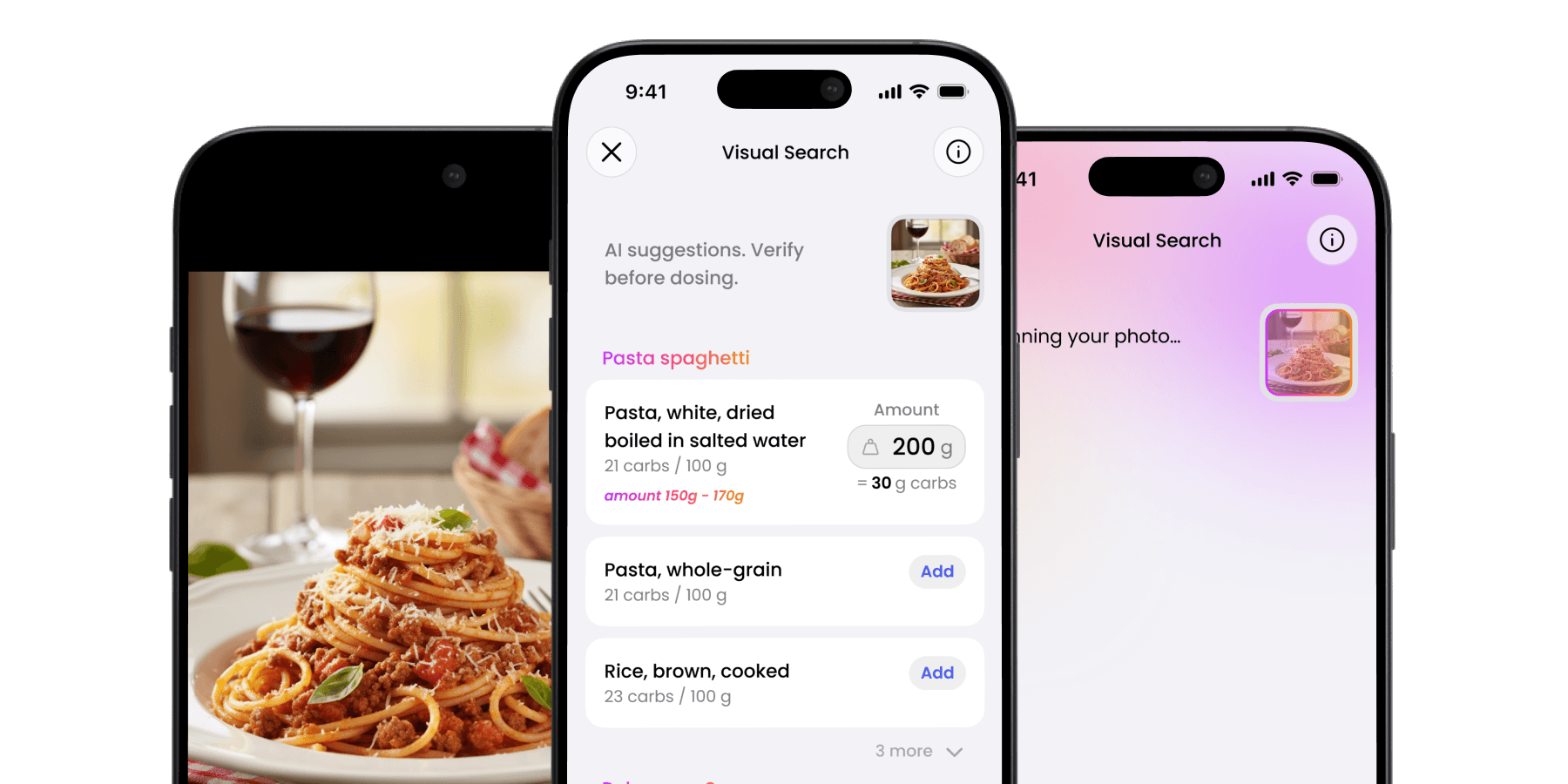
Take a picture of your meal and let Hedia’s AI find matching foods in our library and estimate amounts.
What’s new in 3.9.
Snap a photo of your meal and let Visual Search find the match. Browse food by category. And share your data with Apple Health.
Version 3.9.0 · Release date to be announced

Visual Search
Take a picture of your meal and let Hedia’s AI find matching foods in our library and estimate amounts.

Improved food library
No more endless typing. Browse by category, from breakfast to takeaway favourites, and add carbs to your calculation in a few taps.

Support for people under 18 is approved and set to be released later this year.
Apple Health
Share your Hedia data with Apple’s health platform.

Interface
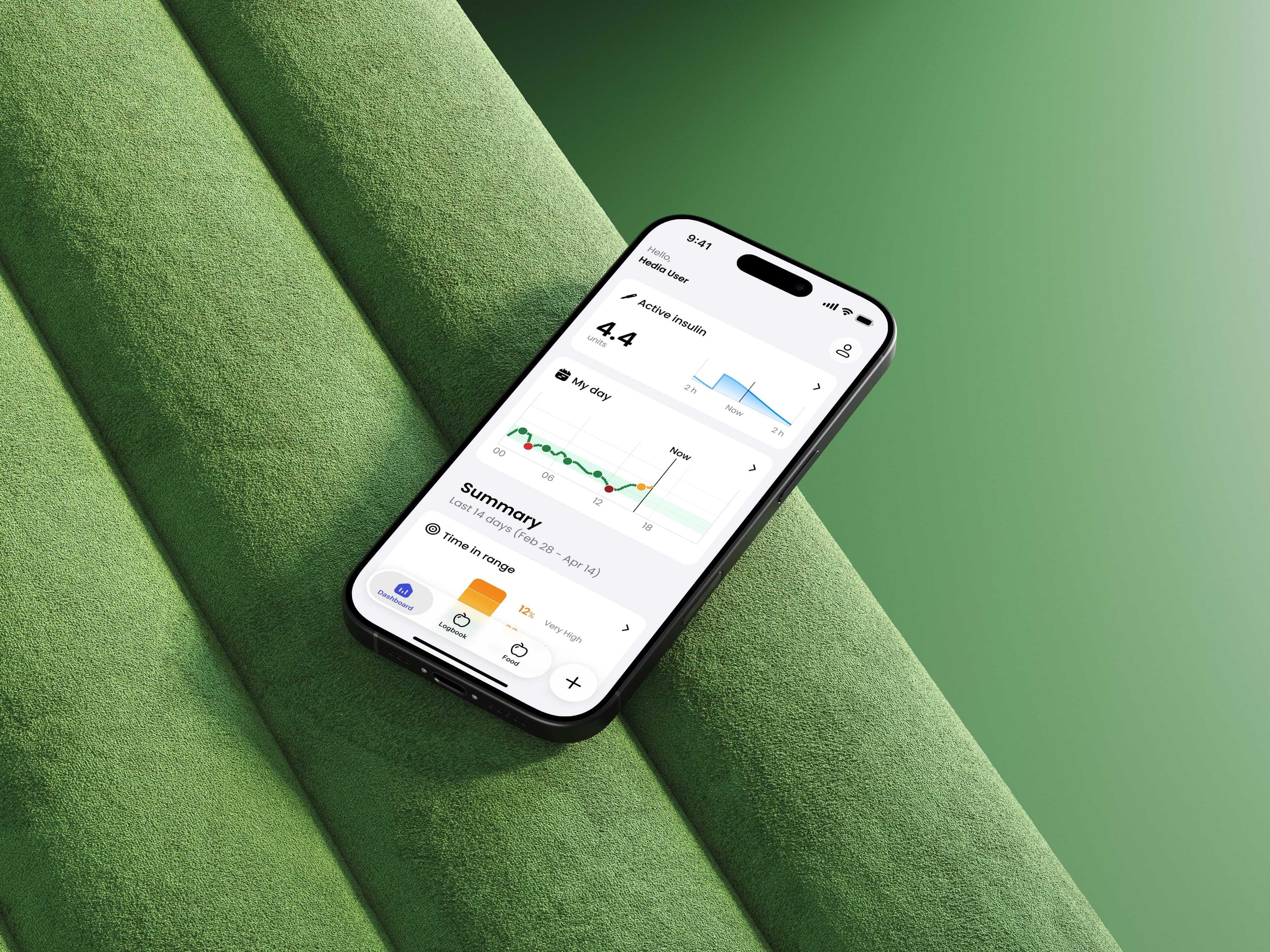
Improvements and visual refinements throughout the app.

Take a picture of your meal and let Hedia’s AI find matching foods in our library and estimate amounts.

Each item comes with a suggested amount in grams, to help you match what is actually on your plate.

Add the total carbohydrates and go straight into the bolus calculation, alongside your glucose and Active Insulin.
Version history
Each version of Hedia Diabetes Assistant is documented, with its release notes.